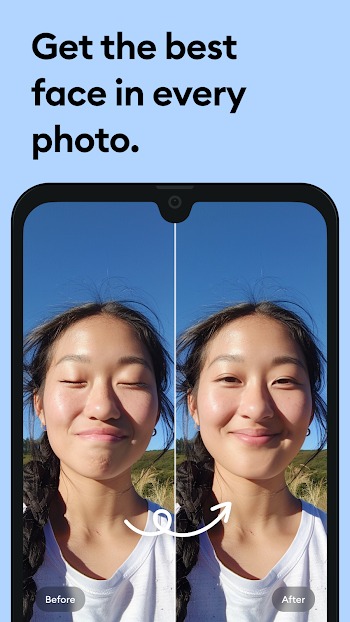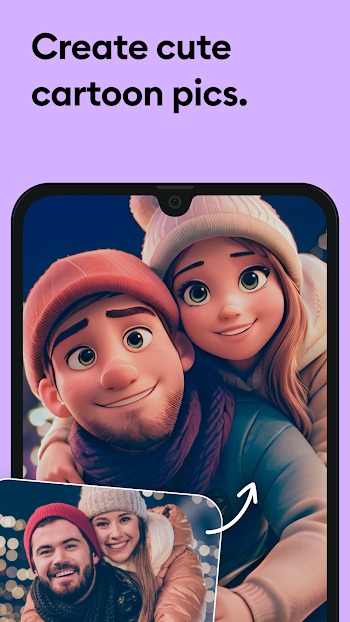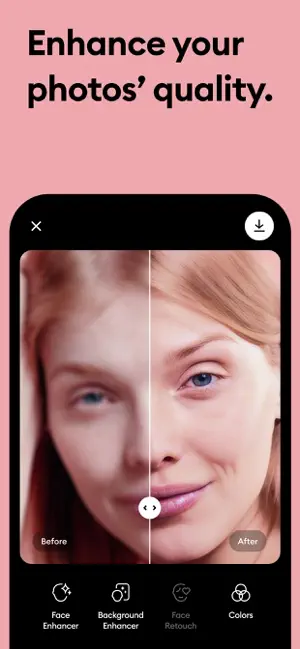
Want to give your old photos a fresh new look? Then try Remini, a mobile photo enhancement app specifically designed for low-resolution photos. Whether it's an old photo or a blurry one, it can add a high-definition feel. It uses artificial intelligence technology to sharpen, deblur, and repair photos with amazing precision. It's easy to use and has many creative tools to add fun to your photos. If you want to restore old photos, you can give it a try.
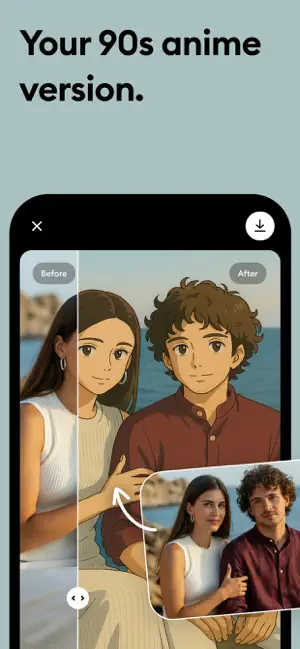
What makes Remini stand out is how it keeps things simple but smart. You don’t need to mess with layers or get lost in complicated editing tools. One tap, and the app gets to work—whether you're repairing scratched-up vintage photos, adding pixel clarity to compressed images, or trying out wild filters that turn your face into an anime avatar, a clay sculpture, or even a wedding-ready version of yourself.
But Remini isn't just about touch-ups. It's kind of like a digital makeup artist, photo archivist, and sci-fi filter lab all rolled into one. Want to prank your friends with an AI pregnancy bump or swap genders just for laughs? You can. Need to boost the quality of a video for your content grind? Yup, it does that too. It’s like having a personal editing assistant that never gets tired.
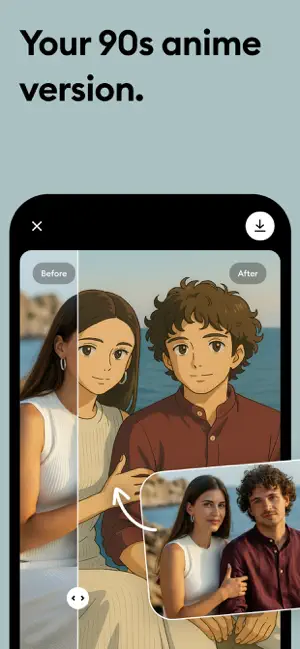
Remini’s got some cool creative tools too. From painting effects and sketch filters to animated image transformations and videogame-style overlays, there’s a whole vibe you can curate without needing design skills. Whether you’re going for artsy, nostalgic, or totally unhinged, you’re covered.
For people constantly running out of storage or stuck on older devices, the app is optimized to be lightweight and still punchy. With cloud storage options, it helps you keep your content safe without eating up your phone memory. Oh, and if you hate ads or watermarks ruining your edits—there’s a Pro version that wipes all that off the table.
What does Remini actually do to a photo?
It uses AI tech to sharpen, restore, and fix blurry or damaged photos, giving them way moreclarity and detail-like HD from a grainy mess.
Is Remini only for photos or can it edit videos too?
Yep, it handles both. You can improve video quality, trim clips, and even apply some of thesame filters you'd use on photos.
Do I have to pay to use Remini?
The basic version is free, but some advanced features (like watermark removal and no ads)are only available through a subscription.
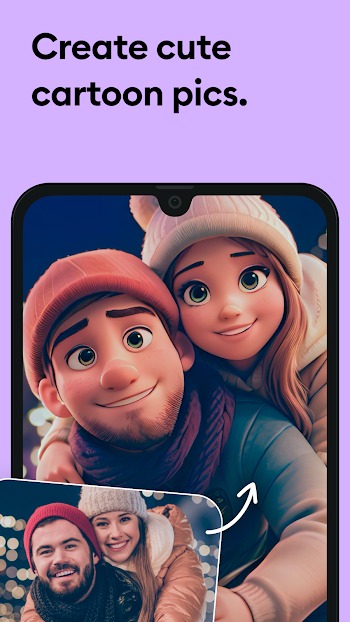
Can Remini turn my selfies into cartoon or anime characters?
Absolutely. The AI filters let you switch up your whole look-anime, sketch, clay, you name it.
Does Remini work offline?
Nah, most of its tools rely on cloud-based AI processing, so you'll need a stable internetconnection to use the main features.

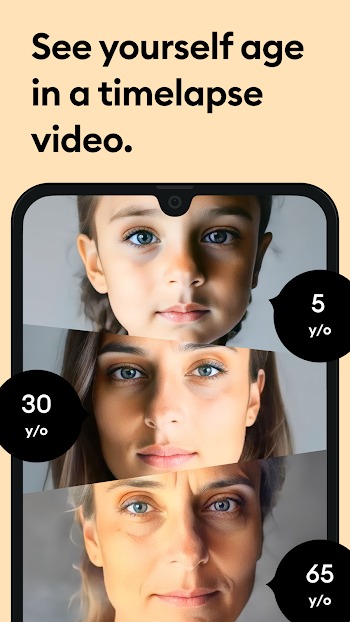
So whether you’re a nostalgic photo hoarder, a social media creator, or just someone who wants to see what they'd look like 30 years older or in another universe, Remini's got something for you. It turns everyday edits into something way more interesting—and kinda addictive.


Word Office
Photography | 154MB 2025-04-03
Adobe Illustrator
Photography | 84.90MB 2025-04-11
Xingtu
Photography | 180MB 2025-03-17
Lumii Free Mobile APK Downloader
Photography | 47MB 2025-04-11
Image Combiner
Photography | 30MB 2025-04-16
Photoshop Express
Photography | 239MB 2025-03-20
ArtPlay
Photography | 103MB 2025-03-21
Photoshop Express APK
Photography | 29.10MB 2025-03-19
Pencil Sketch Photo Editor Mod
Photography | 12.90MB 2025-04-07
AI Art Generator
Photography | 45MB 2025-04-15