2026-11-25 / Media & Video
Funimate Video Editor & Maker gives you an Android editing timeline for building short clips from footage and photos. Start by cutting the clips into a sequence and adding the music you want to use. Then shape the edit with transitions, animated layers and text that appears where you want it.
Make a rough cut: Bring in the footage or stills you want in the sequence. Trim the shots before adding transitions so you can see how the timing works on its own.
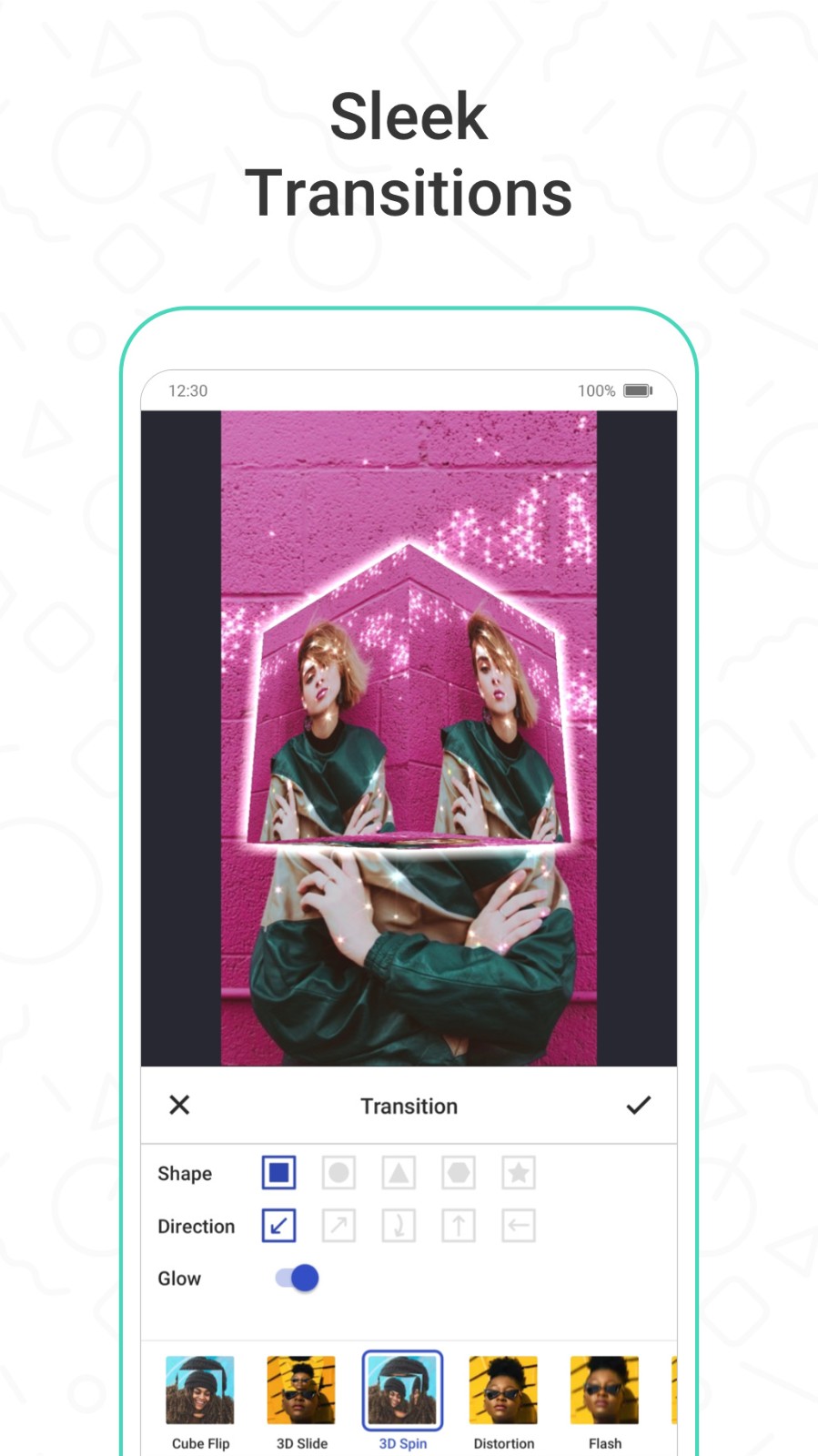
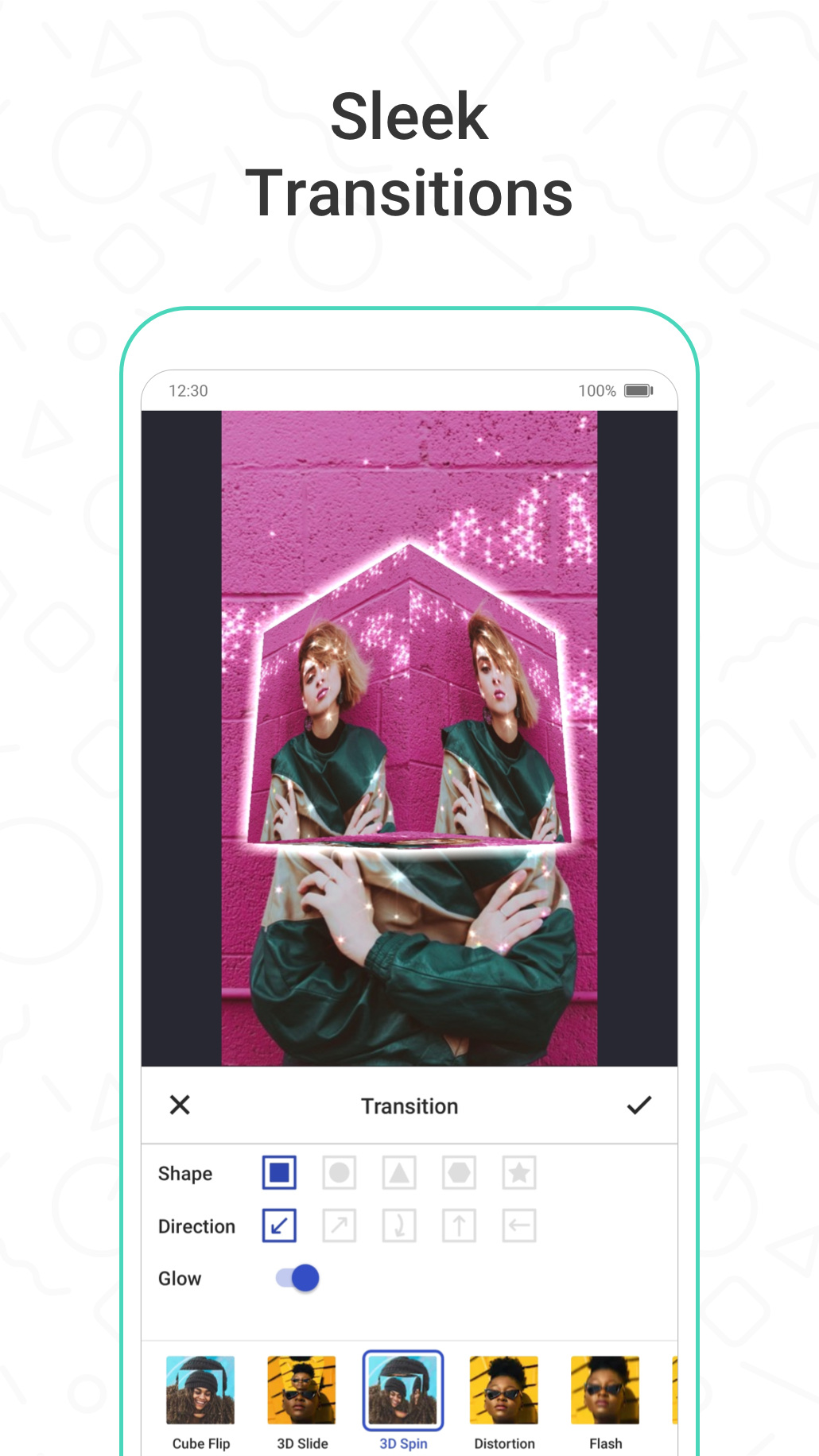
Build one transition first: Pick a cut between two clips and try a transition there. The Play Store preview shows a transition panel with controls for shape and direction, which you can use to compare two approaches to the same cut.
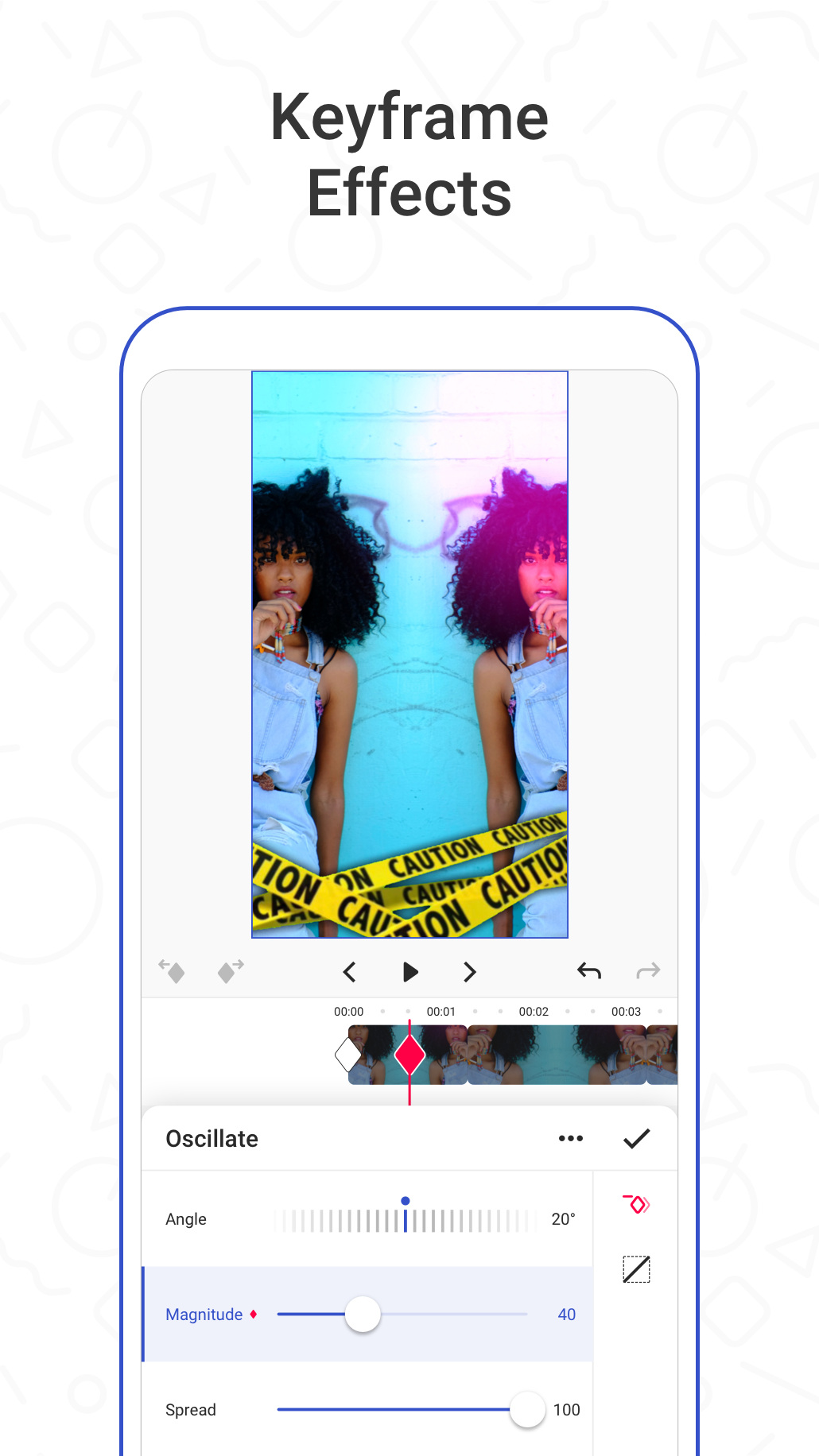
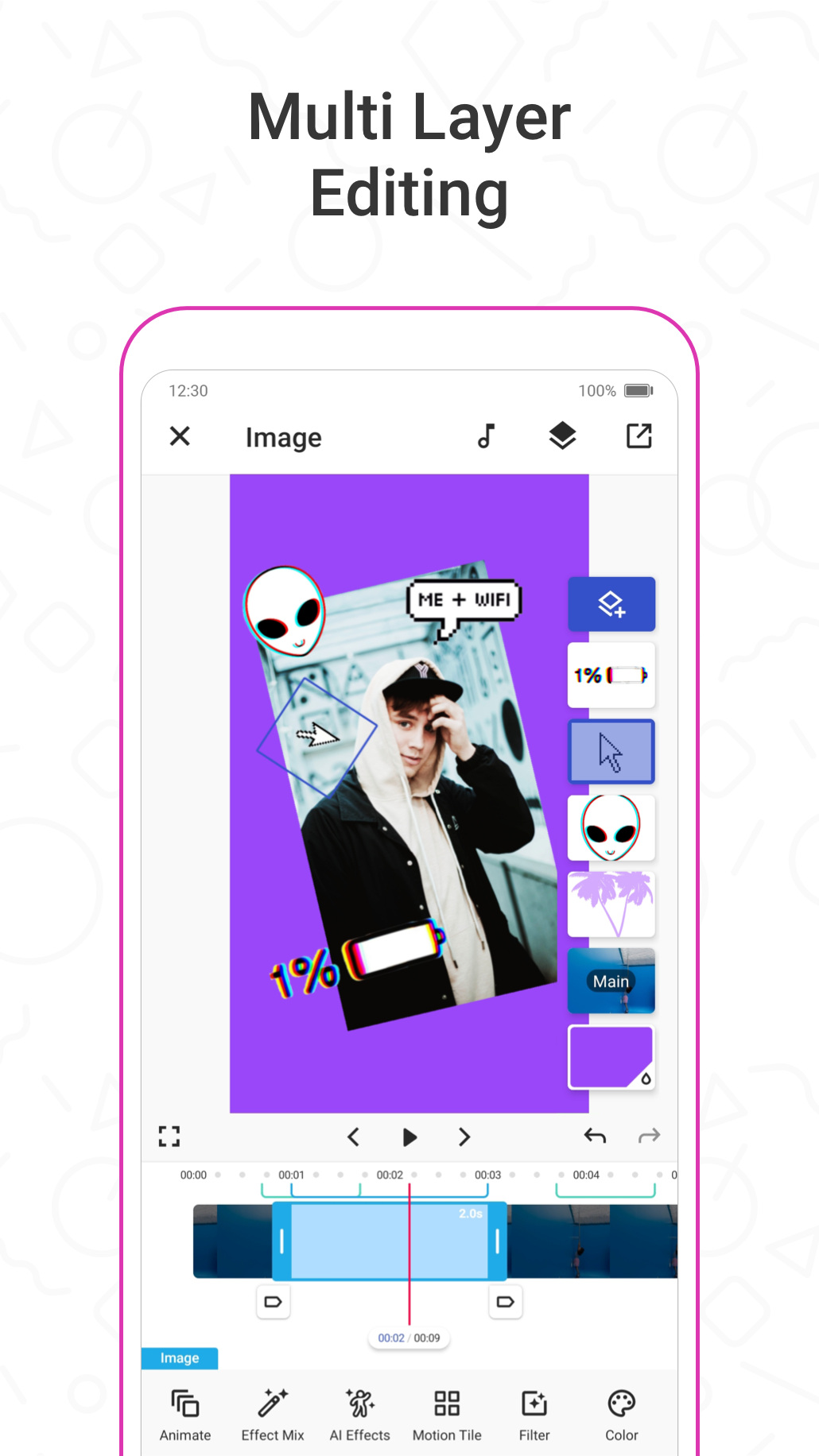
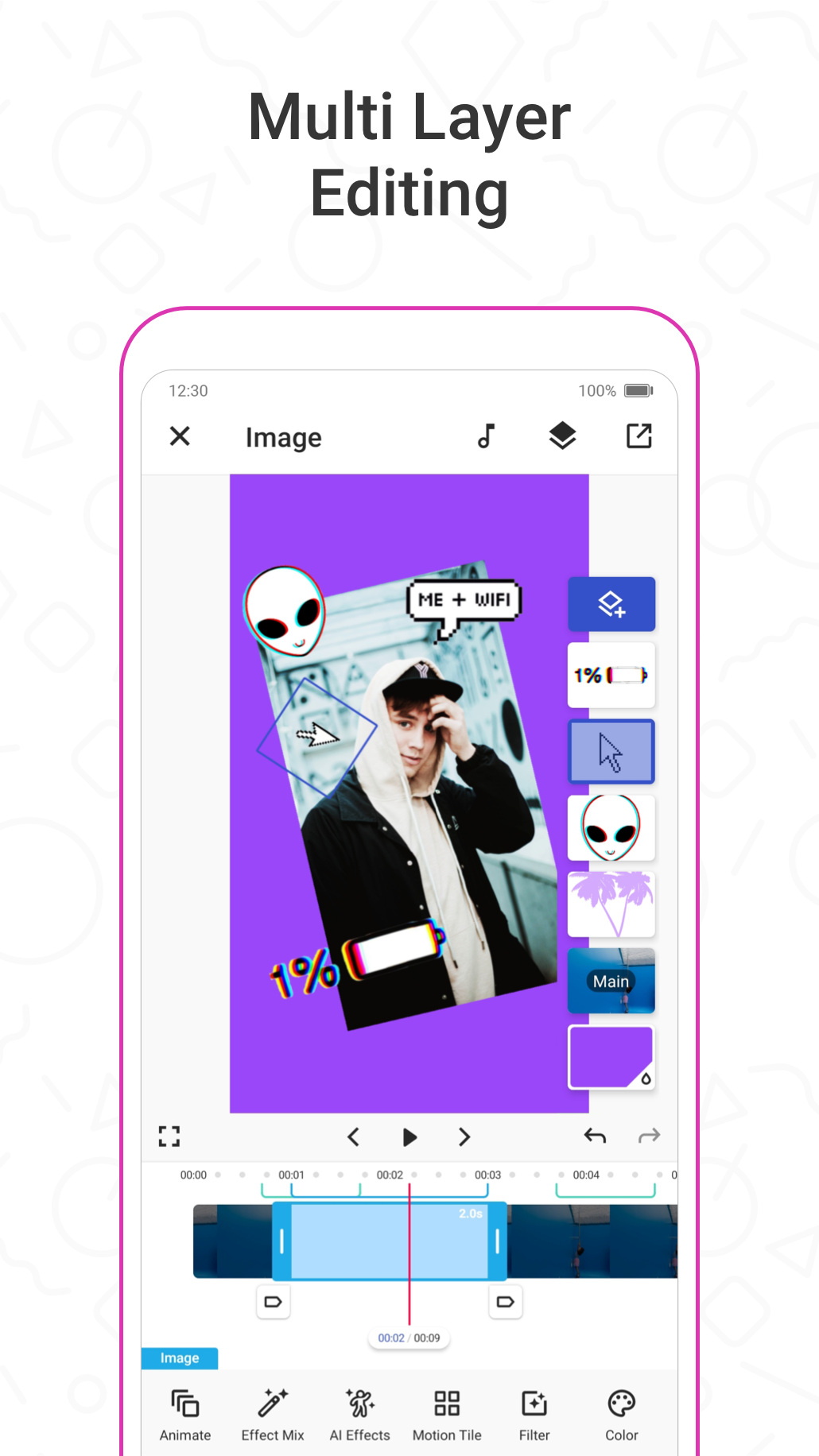
Animate a layer: Add a photo as a layer, then place keyframes to make its appearance change across the clip. Start with two points if you want to see what the movement adds before working on another layer.
Clip sequencing: Funimate can join shots together, crop the frame and trim back the footage. The editor also offers reverse and slow motion for clips where the order or pace is part of the effect.
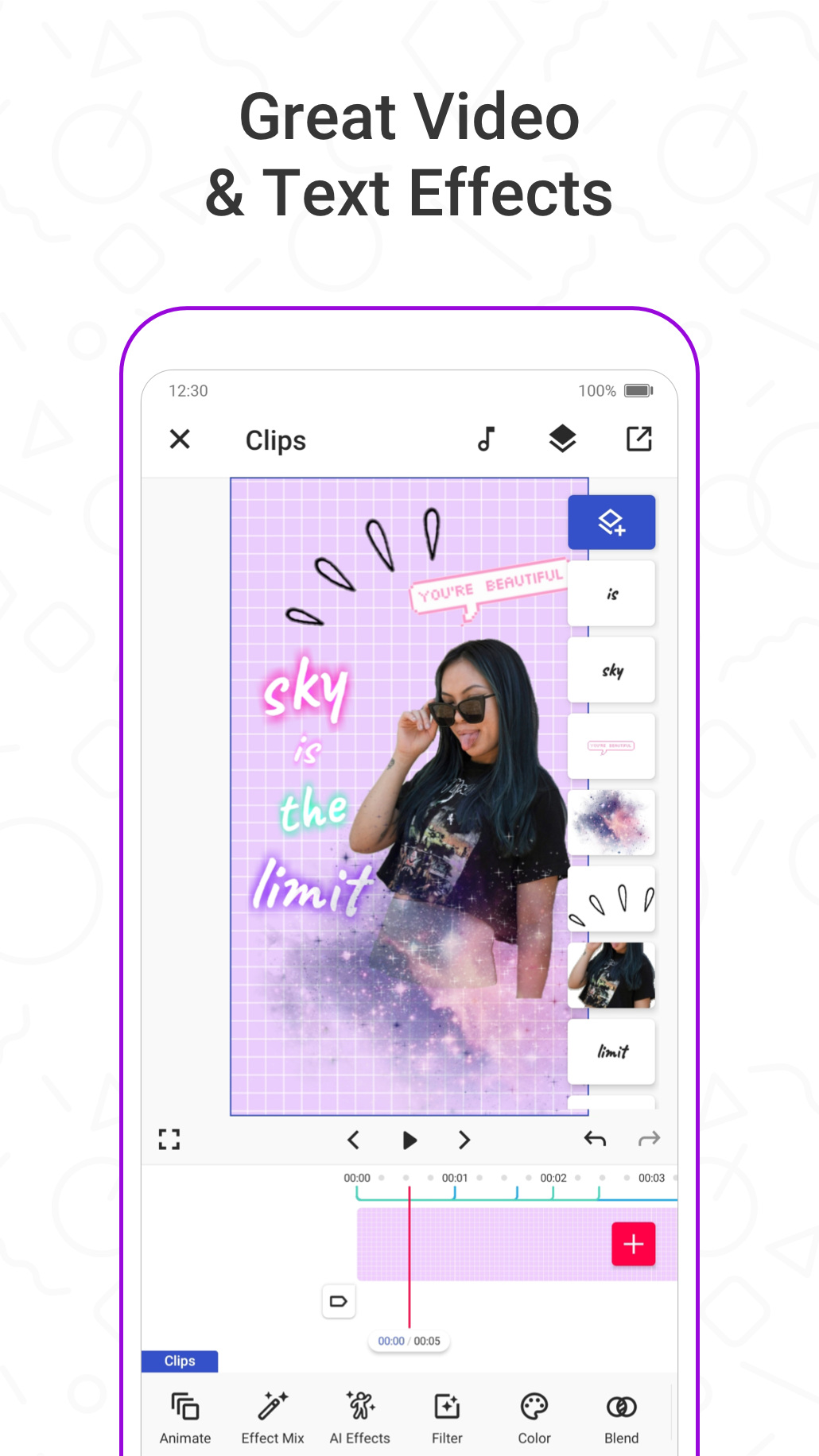
Titles and lyrics: You can add words to a clip and style them with different fonts and text effects. Intro and outro animations give you separate choices for how text, images or video enter and leave.
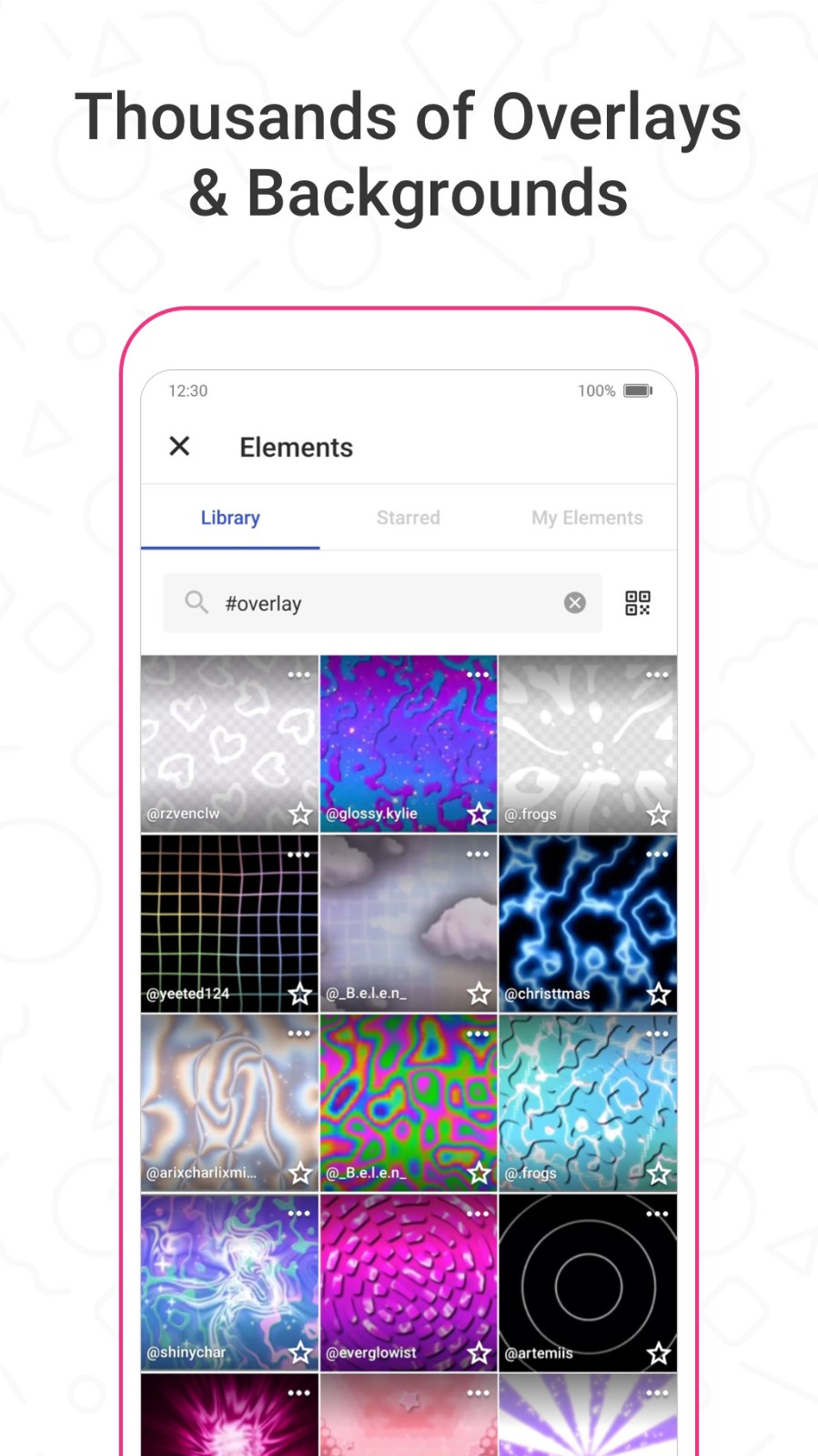
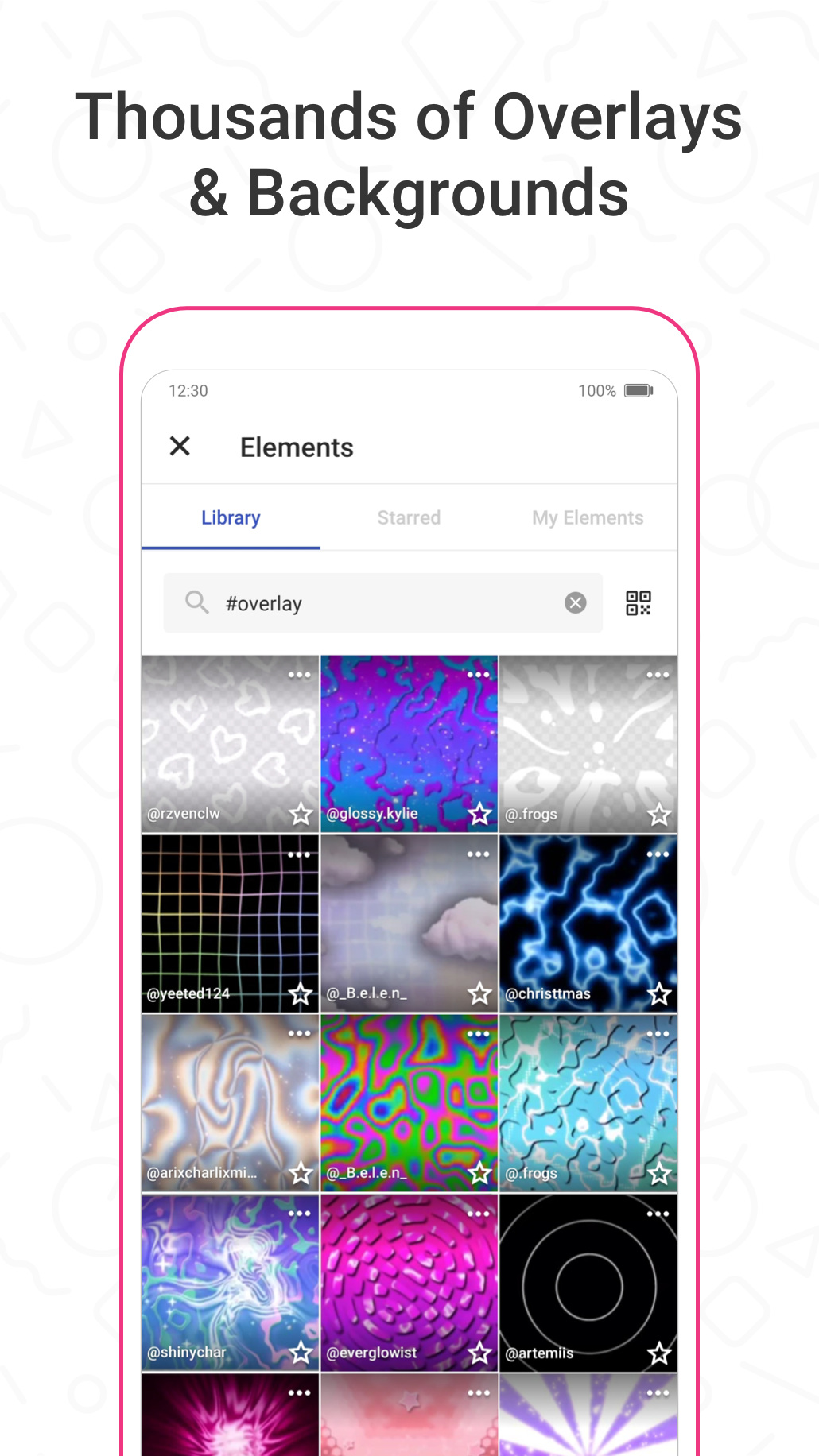
Overlays and stickers: The element library includes overlays, stickers and backgrounds you can add to the edit. The Play Store preview shows an overlay search in the Elements panel.
Mask effects: The Android listing describes using the AI Effects tool on a video clip to try a mask or change its background.
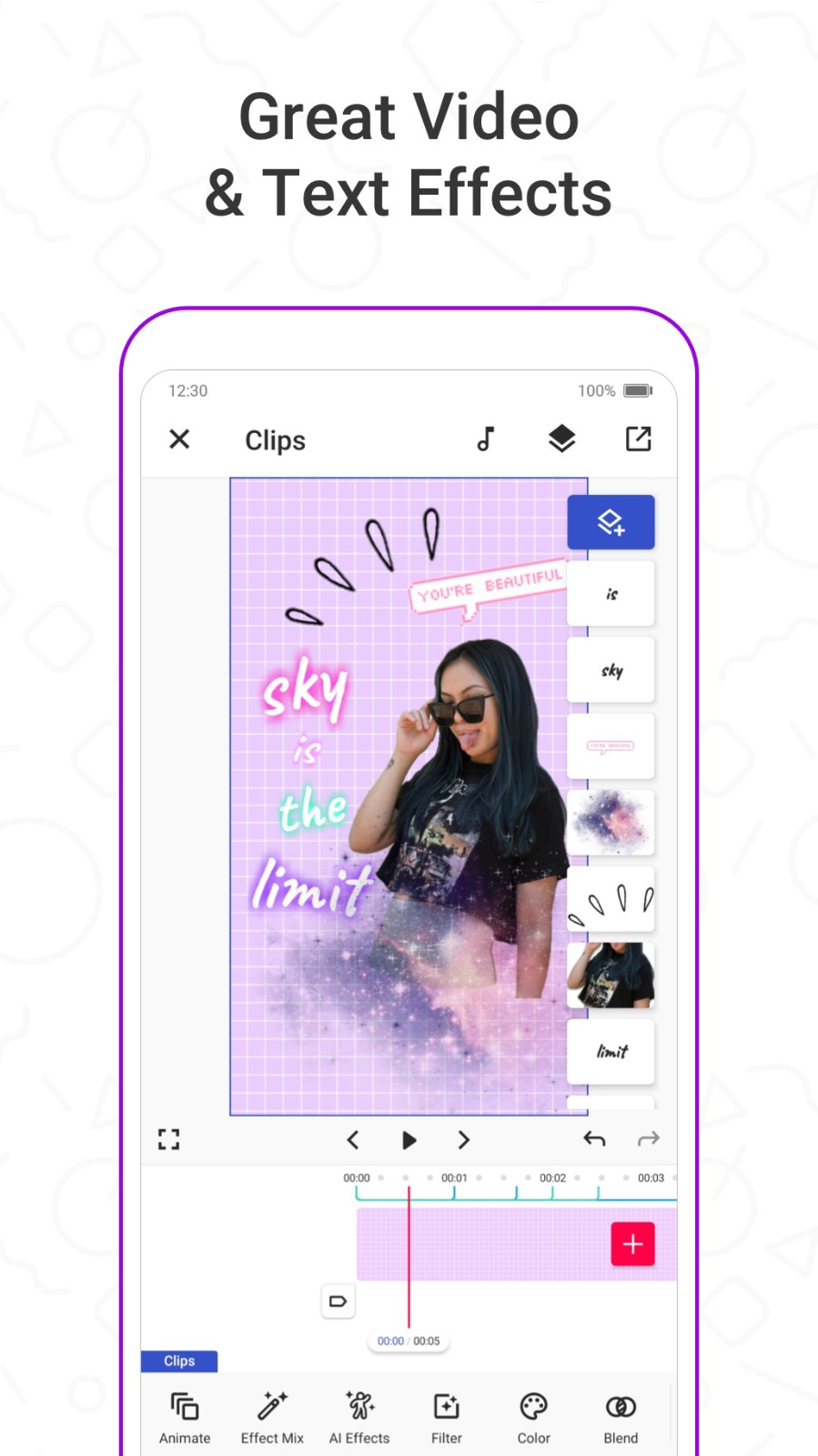
Effect Mix: Pixery lists over 100 video effects under Effect Mix. The Android store preview shows Effect Mix among the tools available while editing a clip.
Prompt-based images: Funimate AI Studio can generate images and characters from written prompts. That gives you another way to make a visual for an edit alongside the footage and photos you bring in.
Layered composition: The Play Store preview shows several layers arranged around a single image composition. Keyframes let you animate a layer when its motion needs to change over time.
Will this file work on a device running Android 8?
This particular 270.51 MB XAPK specifies Android 12L or later in the base APK manifest and includes an ARM64 split. Google Play shows Android 8.0 and up on the broader listing, so use the requirements of this file when checking your device.
What is inside the Funimate 14.0.12 XAPK?
The archive holds the main Funimate APK and three separate APK files for ARM64, the XXHDPI display density and a preview asset pack.
What changed in the September Play update?
Google Play dates the update to September 21, 2026, and the developer describes the changes as fixes and performance improvements. The Play version shown for that update is 14.0.12.
Are there ads or optional purchases?
Funimate’s Android listing carries two labels above its rating: Contains ads and In-app purchases.
Can you publish an edit to Funimate itself?
Pixery describes posting edits to the Funimate community and making videos for weekly challenges. The listing also names TikTok, Instagram and Snapchat as places to share finished clips.
Funimate fits an edit where the transition between shots matters as much as the shots themselves. Its trimming tools help establish the timing, and keyframes and text animations give you ways to carry that timing into what moves on screen.


Look2 Movies
Media & Video | 401MB 2025-03-07
You Tube Premium
Media & Video | 139MB 2025-03-19
Bolly4u
Media & Video | 2.6MB 2026-03-17
Lk21
Media & Video | 2.0MB 2026-03-16
Star Sports Live
Media & Video | 12.5MB 2026-03-16
Jerkflix
Media & Video | 29.4MB 2026-03-17
AhaTok Downloader
Media & Video | 43MB 2025-04-16
Play Desi TV
Media & Video | 899.4KB 2026-03-17
Pandora
Media & Video | 62MB 2025-03-14
NetFilm
Media & Video | 28.50MB 2025-04-03