2026-11-25 / Lifestyle
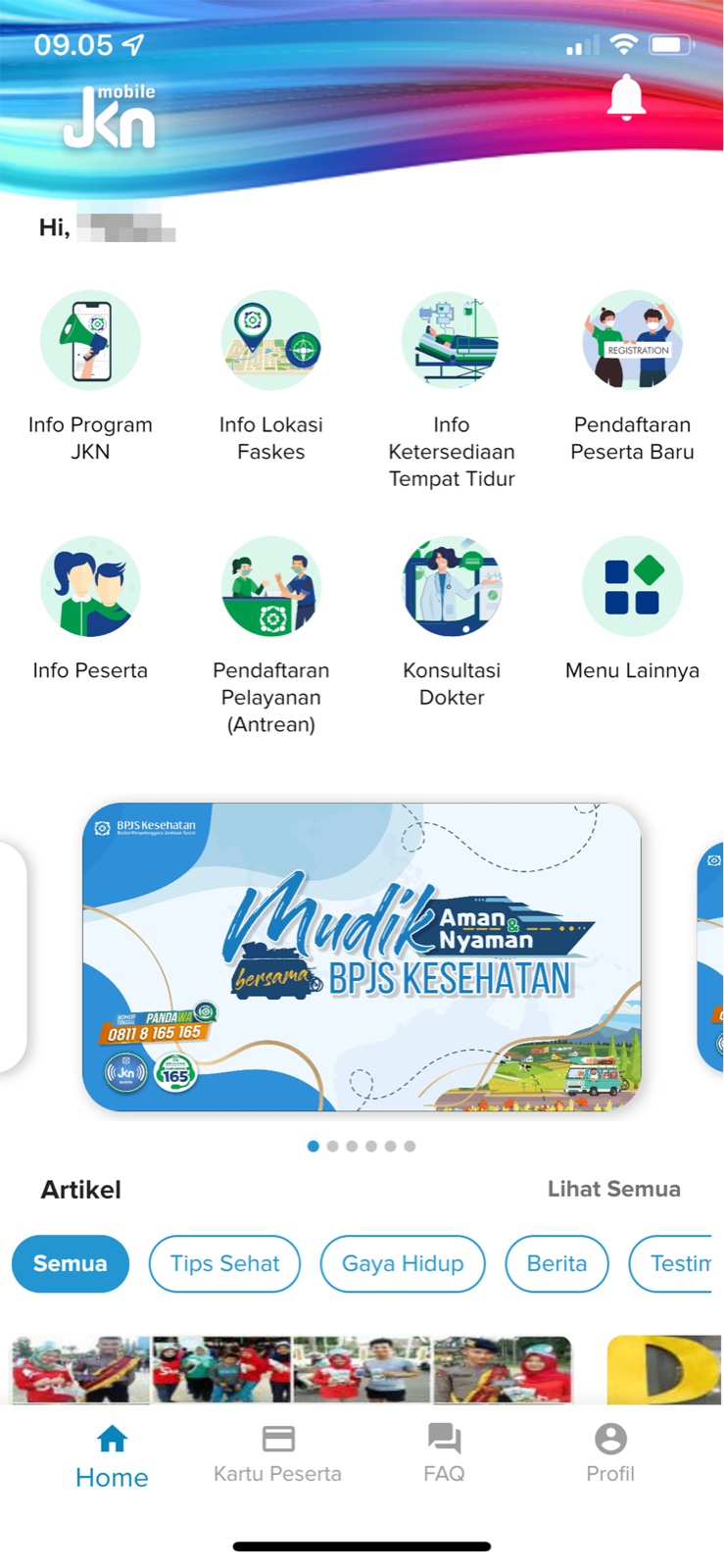
Mobile JKN is BPJS Kesehatan’s Android app for managing membership in Indonesia’s national health insurance program. You sign in to check your JKN status, open your digital KIS card, or look up contributions. When you need a visit at your registered primary care facility, you can request a queue number through the app if the facility supports online queues.
Sign in as a member: Open Masuk/Daftar and choose Masuk. Select the type of ID you want to use, then enter your national ID number (NIK) or JKN card number, along with your password and the CAPTCHA shown on screen.
Check your household’s membership: From Home, open Info Peserta to see the enrollment records for your family. The BPJS guide lists each participant’s name, membership status, JKN number, date of birth and primary care facility information on this screen.
Request a primary care queue number: Open Pendaftaran Pelayanan from Home. Select the member and the department for the visit, add the reason for the visit if needed, and submit the request to get a queue number.
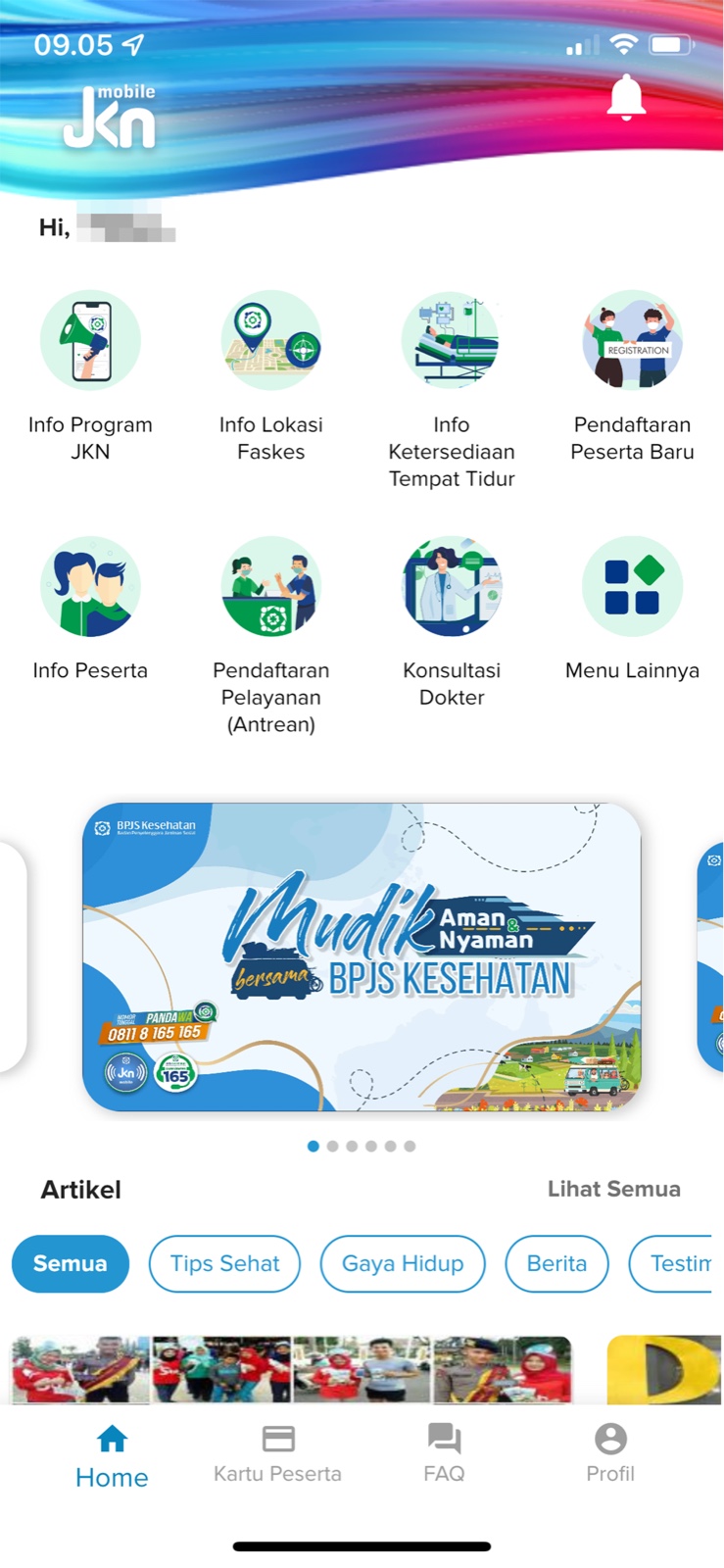
Digital KIS card: Tap Kartu Peserta on the home screen to bring up the digital Kartu Indonesia Sehat card. BPJS also documents a Kirim Email option on the card screen for sending a copy to your email.
Contribution details: Use Info Iuran to check the status of your JKN contributions. Payment history has its own entry, Info Riwayat Pembayaran, under Menu Lainnya.
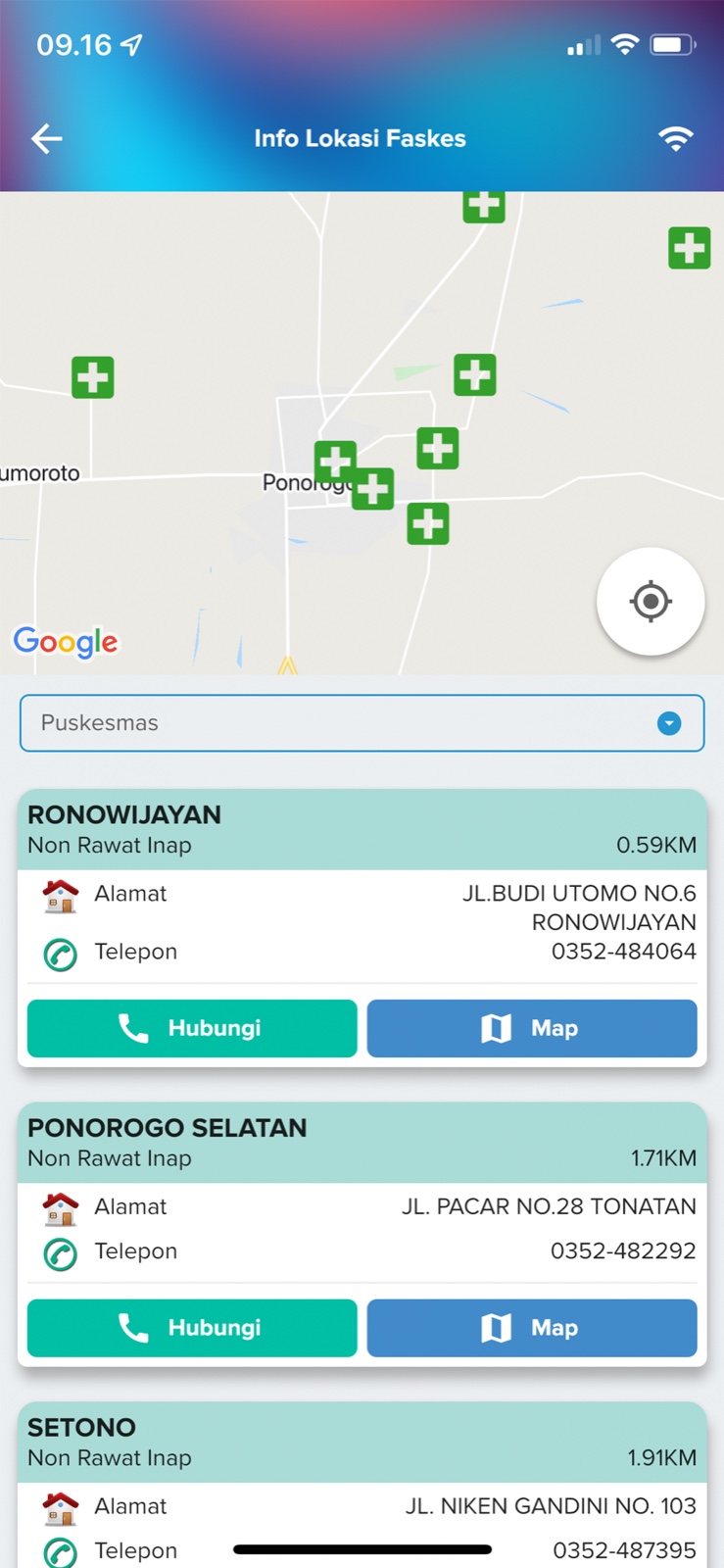
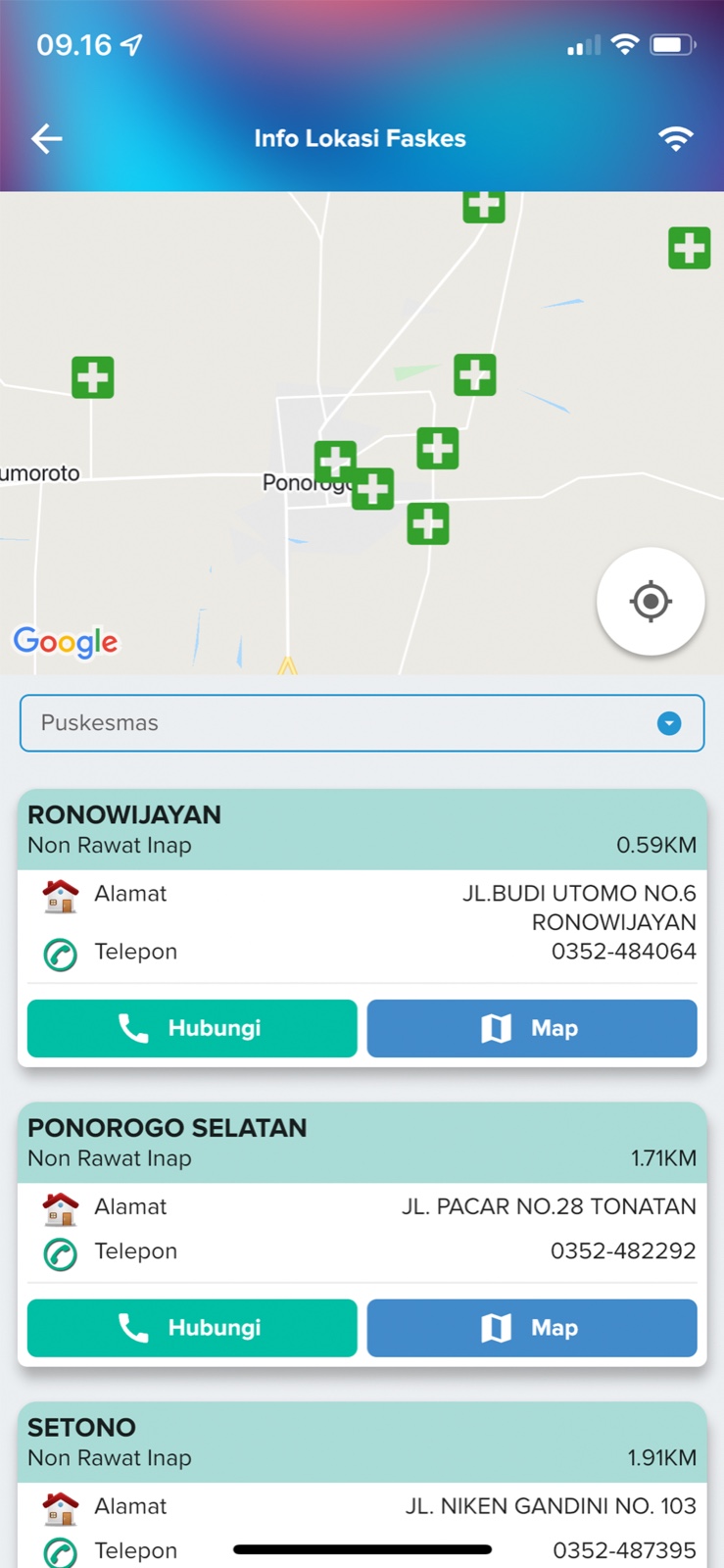
Facility finder: Info Lokasi Faskes puts healthcare facilities on a map. The Play listing describes searches by branch or by proximity.
Participant enrollment: Mobile JKN has a new member registration flow for people enrolling in the non-wage-earner category, which the Play listing calls Bukan Penerima Upah.
Queue controls after booking: Refresh the primary care queue screen to see how many people are still ahead. BPJS documents separate controls for canceling the current number and taking a new one.
Virtual account lookup: Find Info Virtual Account in Menu Lainnya when you need to look up the payment reference associated with a member.
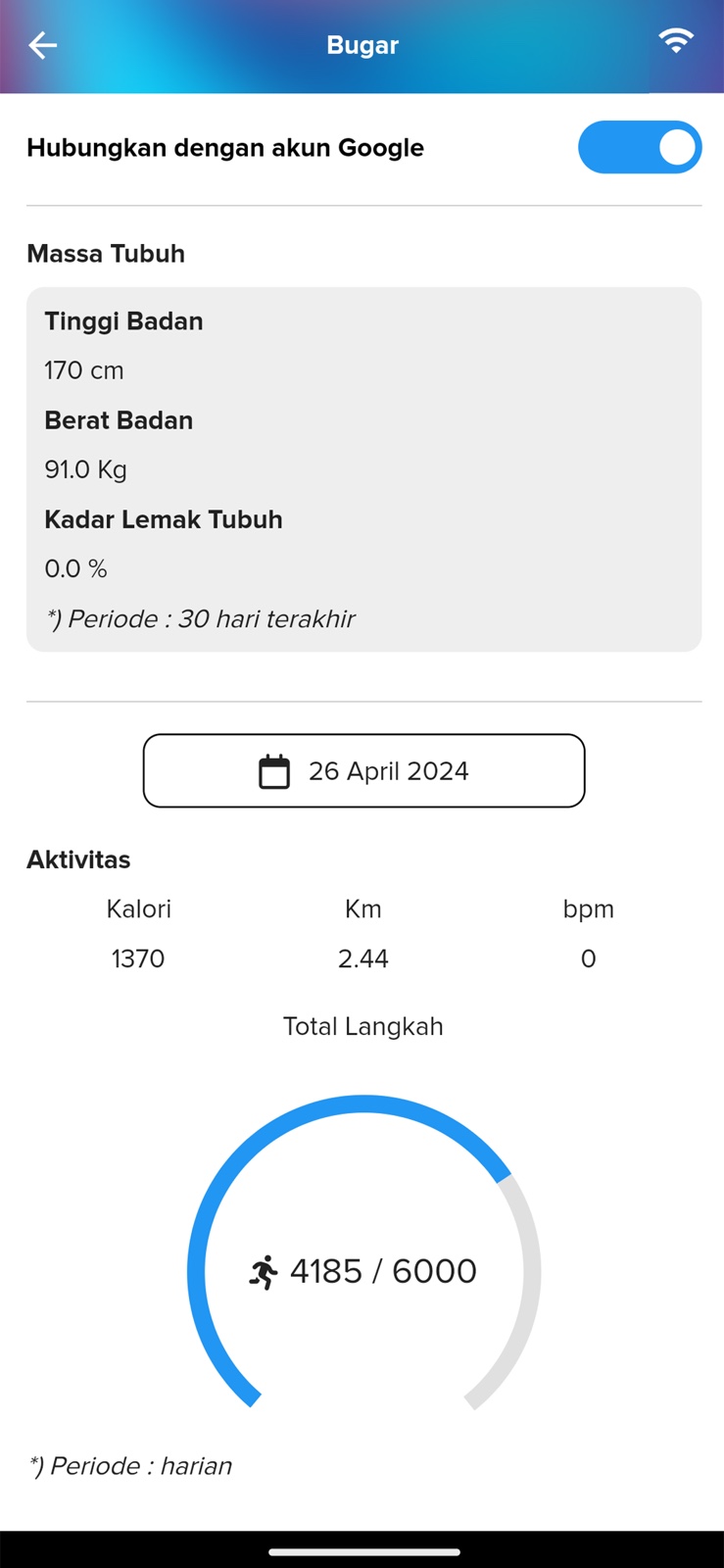
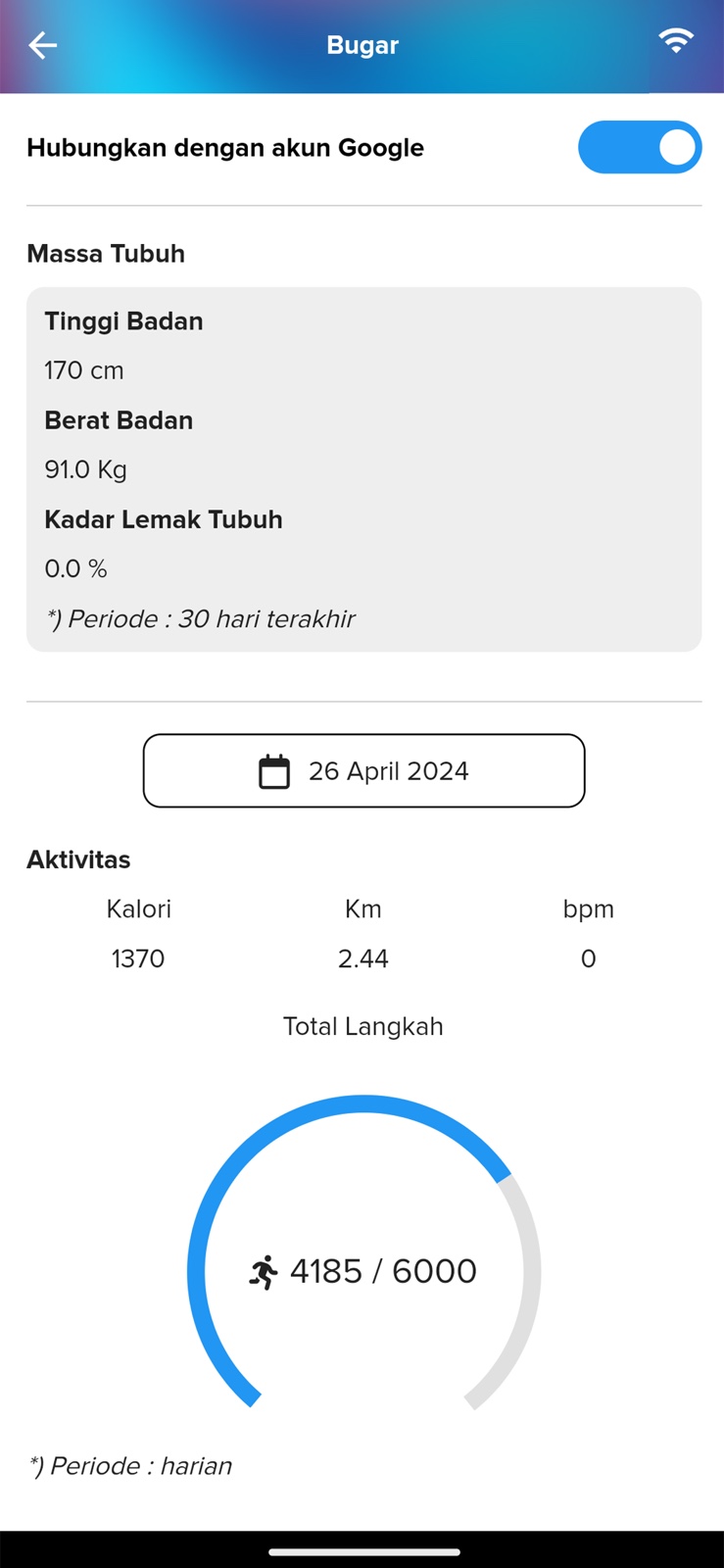
Optional fitness connection: The Bugar section can pull fitness data through Android’s Health Connect. BPJS describes connecting it through the user’s Google account and lists steps and distance among the available data.
Why might the app refuse a primary care queue request?
BPJS’s queue guide lists three conditions. Your membership must be active, your registered facility must use the linked queue system, and the branch needs to have entered the facility’s practice schedule.
Does BPJS publish a guide for hospital queues?
Yes. The Mobile JKN guide has a dedicated hospital section as well as a walkthrough for queues at primary care facilities.
Does Mobile JKN 4.18.0 run on Android 9?
This 176.16 MB XAPK contains the base app and configuration files, including an arm64-v8a split. The package requires Android 10 or newer, so Android 9 falls below its minimum.
Where does Mobile JKN show active status for family members?
The BPJS membership guide directs you to Info Peserta, where the status appears with each family member’s enrollment details.
Which menu shows JKN payments already made?
Look for Info Riwayat Pembayaran under Menu Lainnya for past payments. Open Info Iuran when you want to see the contribution status.
Mobile JKN is useful when you need to check a family member’s enrollment or pull up a digital KIS card before a visit. For a primary care queue, start by checking your membership status and whether your registered facility is connected to the BPJS queue system.


Disney+ Plus
Lifestyle | 22MB 2025-03-27
My AcuRite
Lifestyle | 5.90MB 2025-04-15
TapHunter
Lifestyle | 246.00MB 2025-04-15
Film2Play
Lifestyle | 10.50MB 2025-03-17
M4uHD Movies and TV shows
Lifestyle | 18.06MB 2025-03-19
Boldie
Lifestyle | 22.20MB 2025-03-26
Nana Calistar
Lifestyle | 16.00MB 2025-03-27
StoreBox Plus.Vip
Lifestyle | 14.90MB 2025-04-15
Nekopoi
Lifestyle | MB 2025-03-22
meteoblue
Lifestyle | 34.41MB 2025-03-27