2026-11-27 / Media & Video
Jango Radio turns an artist or genre you like into a stream of related music. You can start with a broad station for work or choose one artist when you want a narrower mix. As tracks play, you can mark what you want to hear more often and leave out songs you would rather skip in the future.
Search for a band or solo artist when you have a sound in mind. Jango uses that choice to start a station and fills the stream with music from the artist and related acts. Open Explore when you want a ready-made station organized by genre, decade or activity.
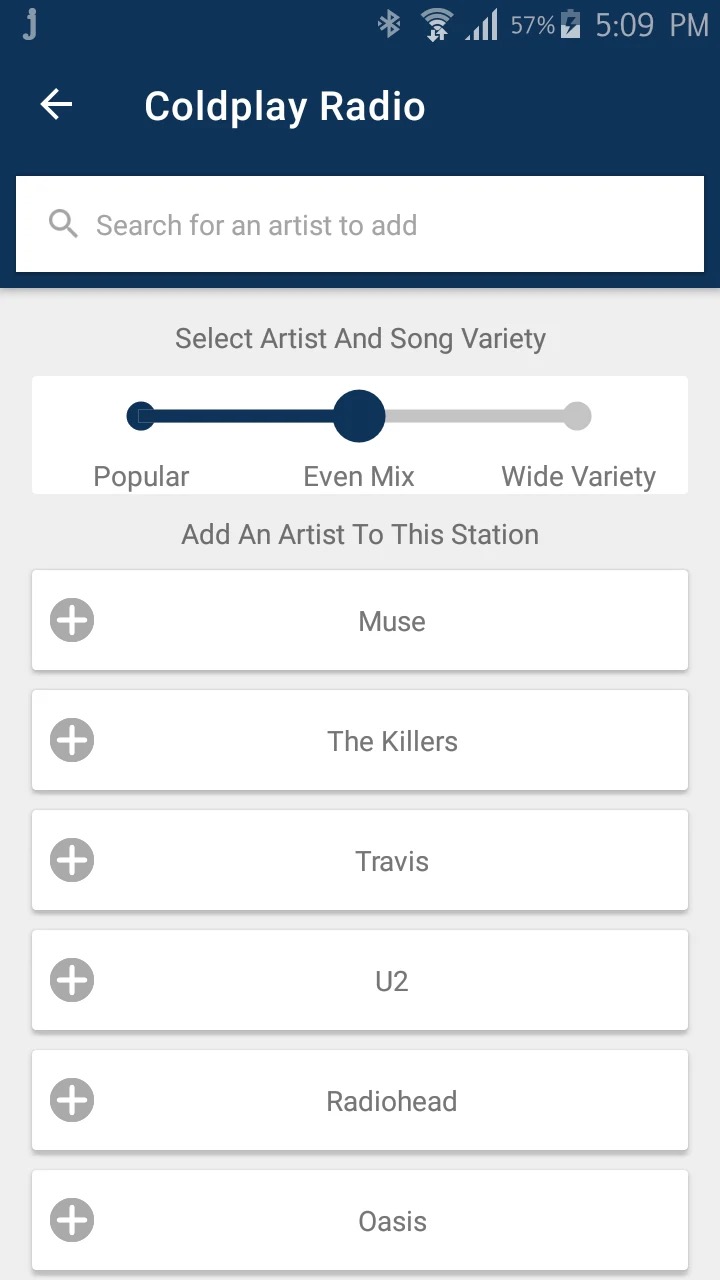
Give the first station a few songs before adjusting it. If you like the general direction but keep hearing the same kind of track, move the variety setting toward Wide Variety. Choose Popular when you want more familiar selections, or keep Even Mix as a middle option.
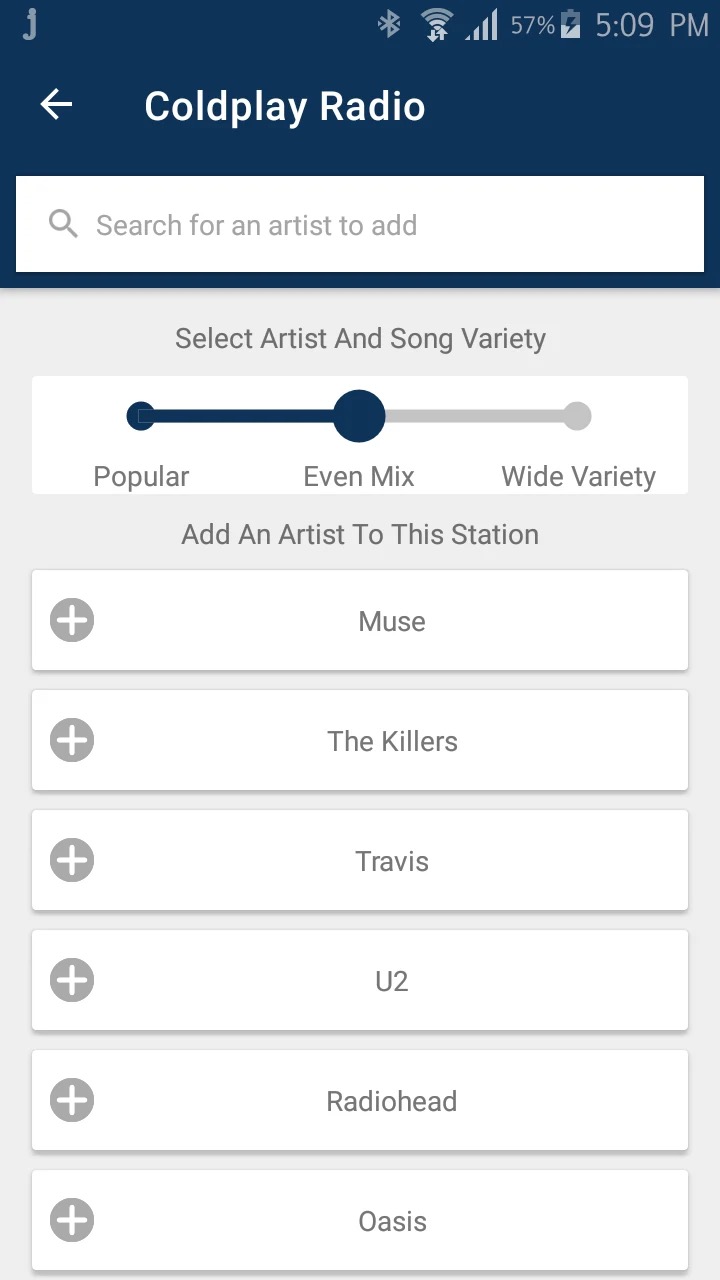
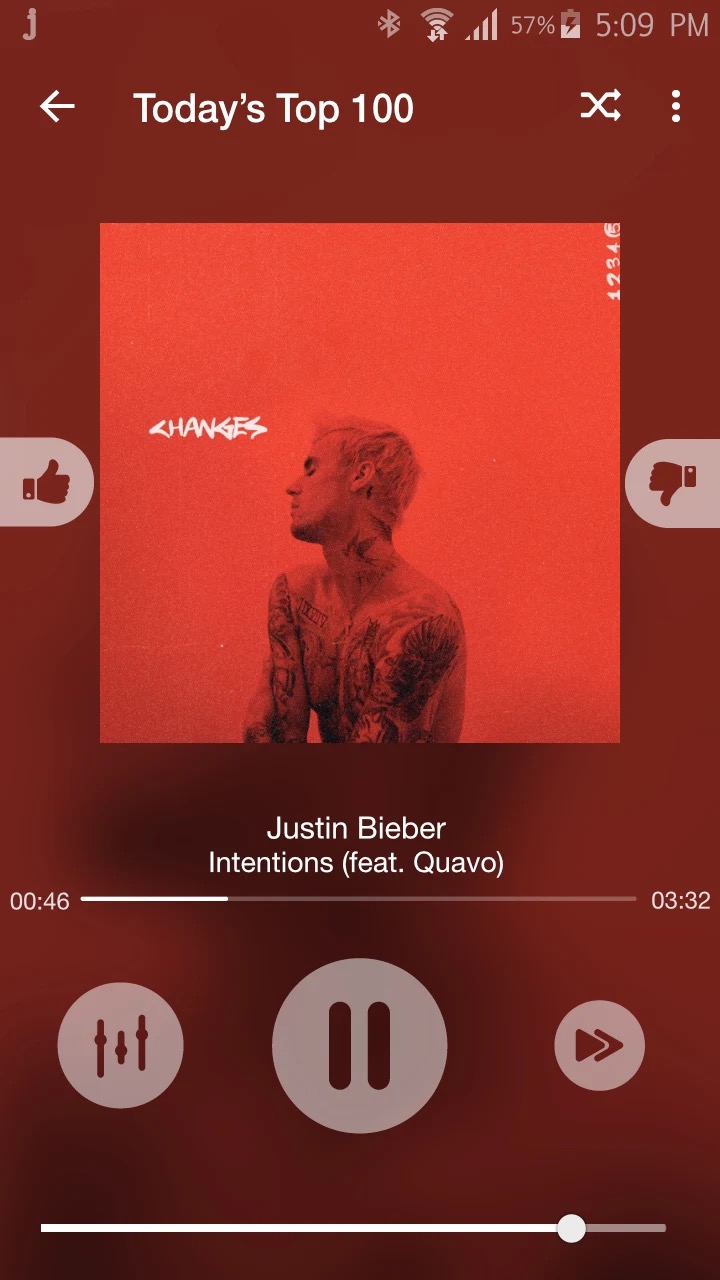
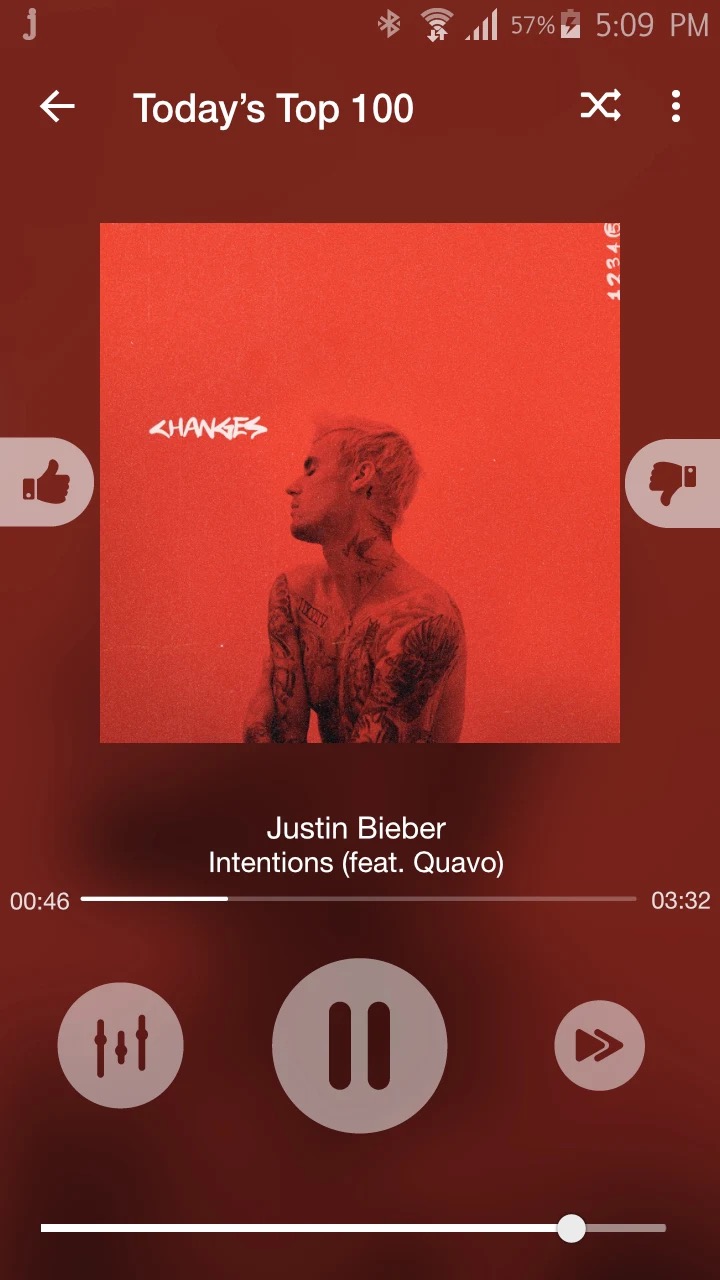
Use the thumbs-up control when you want a song to come up more often. The ban control is for a song you would prefer to leave out altogether. If one artist is a better fit than the current mix, add that artist to the station and let the stream adjust.
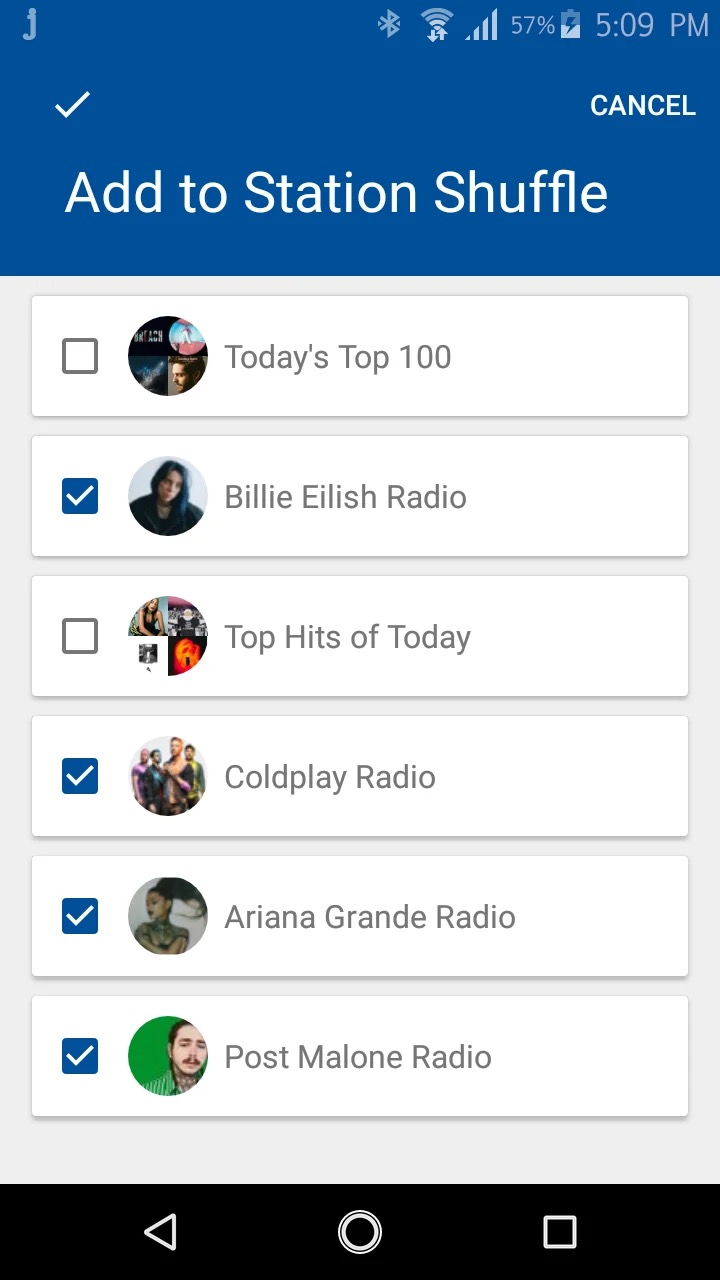
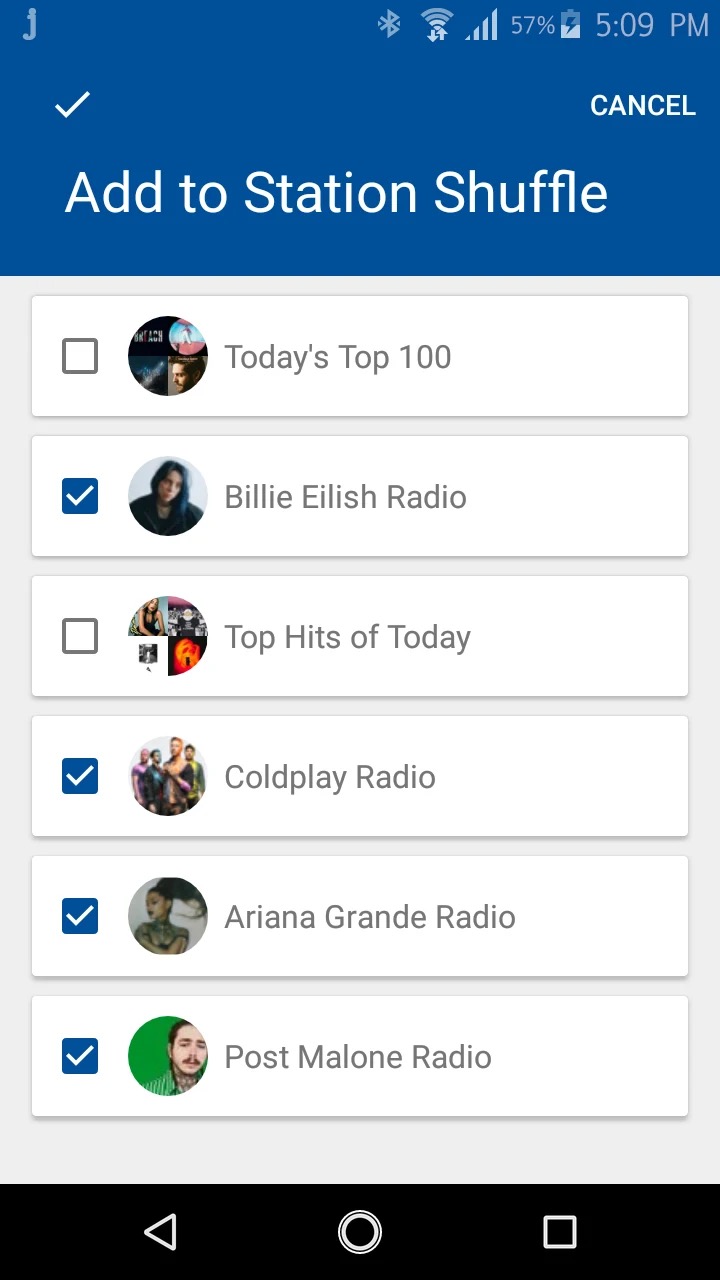
Station Shuffle is useful when your listening changes throughout the day. Select a few saved stations for the shuffle, such as a work mix and a classic rock station. You can keep other stations saved and leave them out of that rotation.
The sleep timer lets you leave music on for a set period without reaching for the phone again to stop it. If you are on a metered connection, lower the streaming quality in the app to reduce data use. You can also filter songs with explicit language from playback.
Sign in with the same Jango account to find saved stations across the Android app and the web player. When playback stops after you lock the screen, check Android’s battery settings for Jango. The service’s support guide identifies background battery restrictions as one possible cause.
Which build is available here?
This Jango Radio download is version 6.9.5 for Android 7.1 or later. The 21.65 MB download comes as an XAPK with a screen-density split and language files.
How do you install the XAPK?
Use an installer that supports XAPK bundles so it can install the main app and the configuration files together.
Does Jango Radio require a connection?
Stations stream through the service, so keep an internet connection available while listening.
Can you save stations for another device?
Save them while signed in, then use the same account on your other device to find the collection.
Jango Radio suits a listening session where you want to pick the starting artist and let the station handle the next track. A few song ratings and a change to the variety setting can keep a favorite station from feeling repetitive.


Look2 Movies
Media & Video | 401MB 2025-03-07
You Tube Premium
Media & Video | 139MB 2025-03-19
Bolly4u
Media & Video | 2.6MB 2026-03-17
Jerkflix
Media & Video | 29.4MB 2026-03-17
Lk21
Media & Video | 2.0MB 2026-03-16
Star Sports Live
Media & Video | 12.5MB 2026-03-16
AhaTok Downloader
Media & Video | 43MB 2025-04-16
Play Desi TV
Media & Video | 899.4KB 2026-03-17
Pandora
Media & Video | 62MB 2025-03-14
NetFilm
Media & Video | 28.50MB 2025-04-03