2026-11-28 / Media & Video
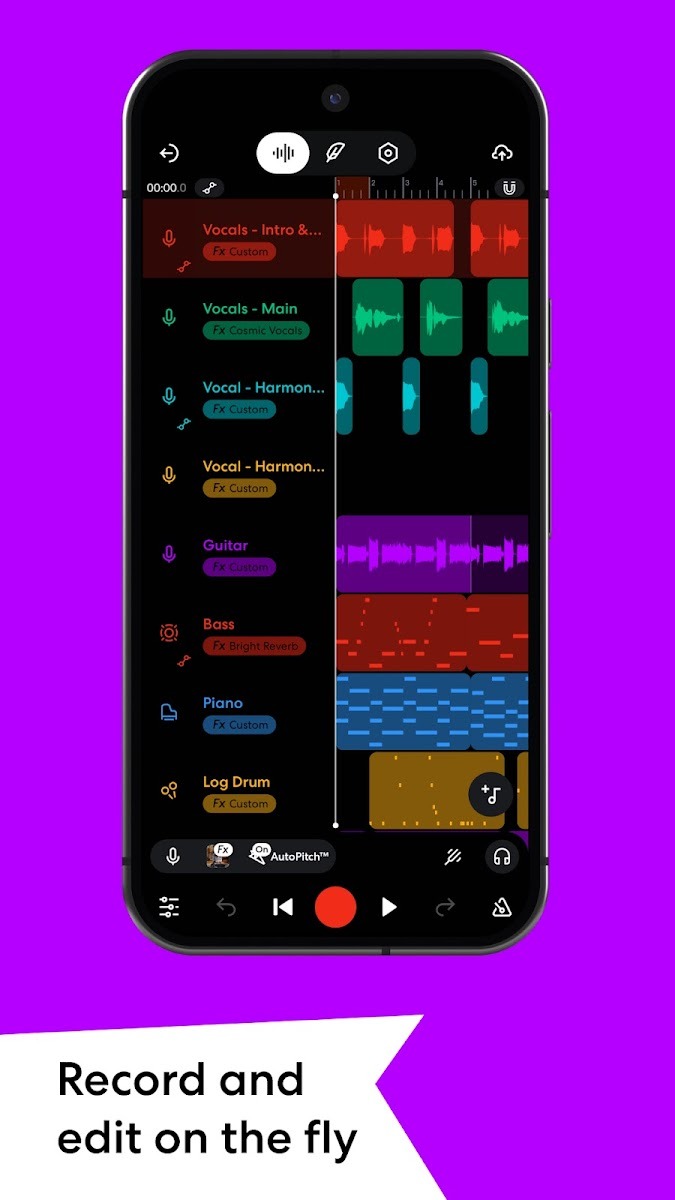
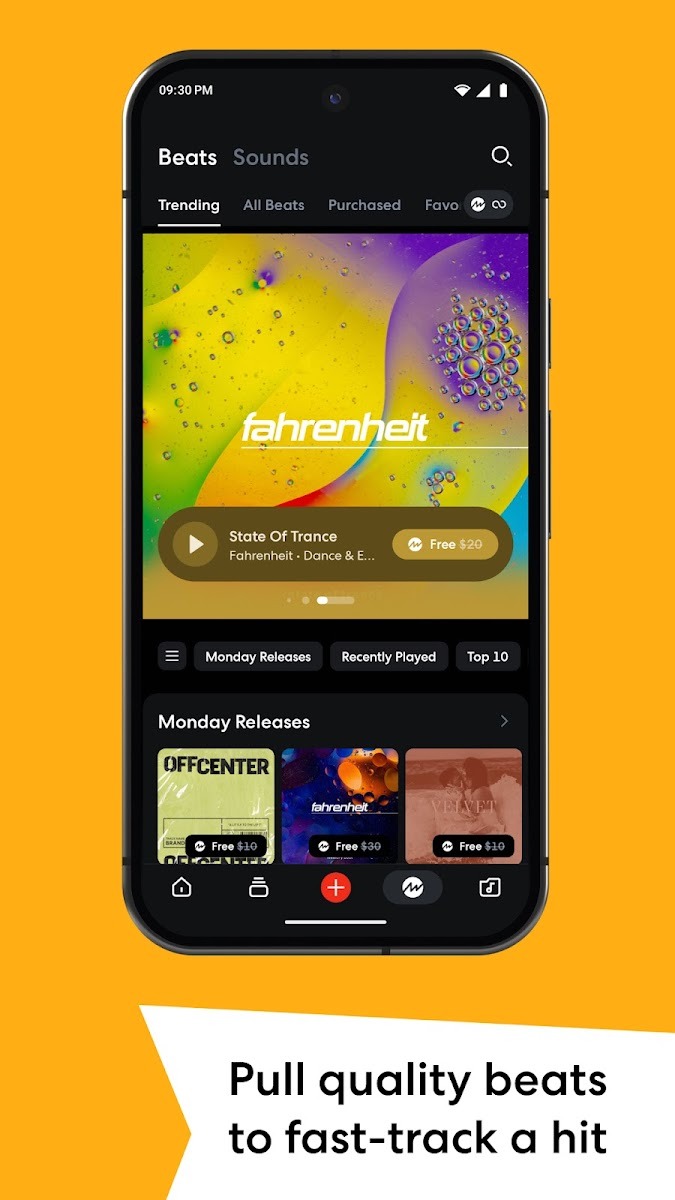
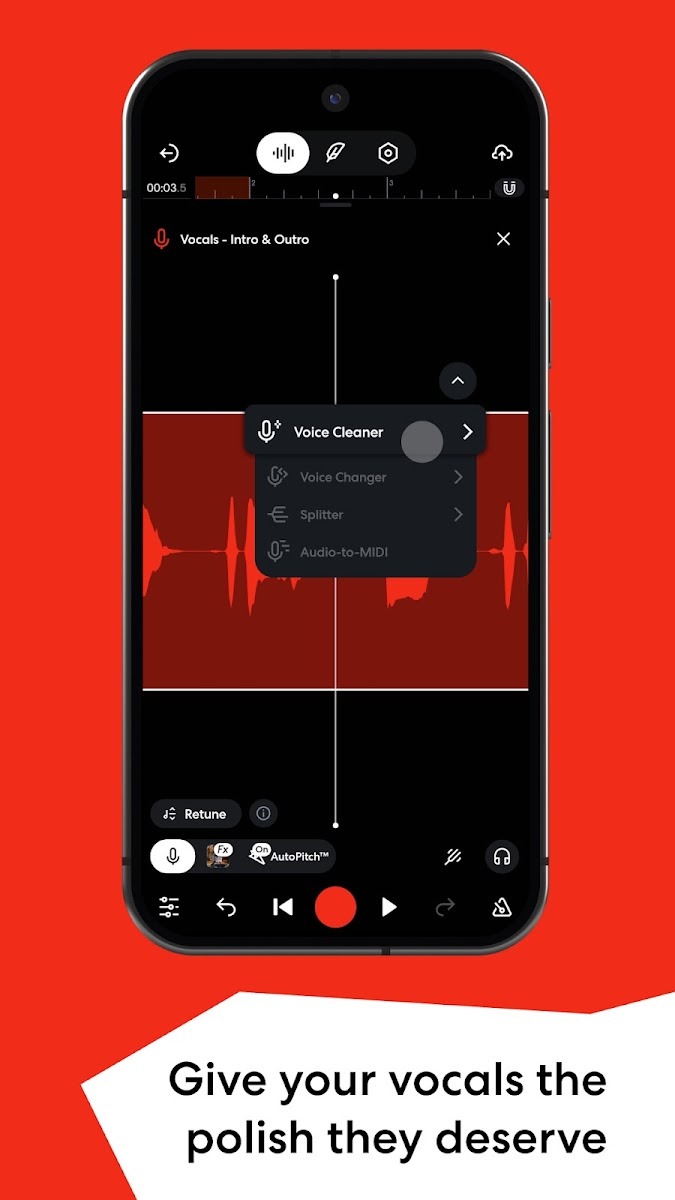
BandLab is a multitrack music studio for sketching songs and recording vocals on a phone. You can bring a beat into Studio, give the vocal its own track, and listen to both against the same timeline. AutoPitch gives you a way to hear how pitch correction changes a performance while the rest of the arrangement plays around it.
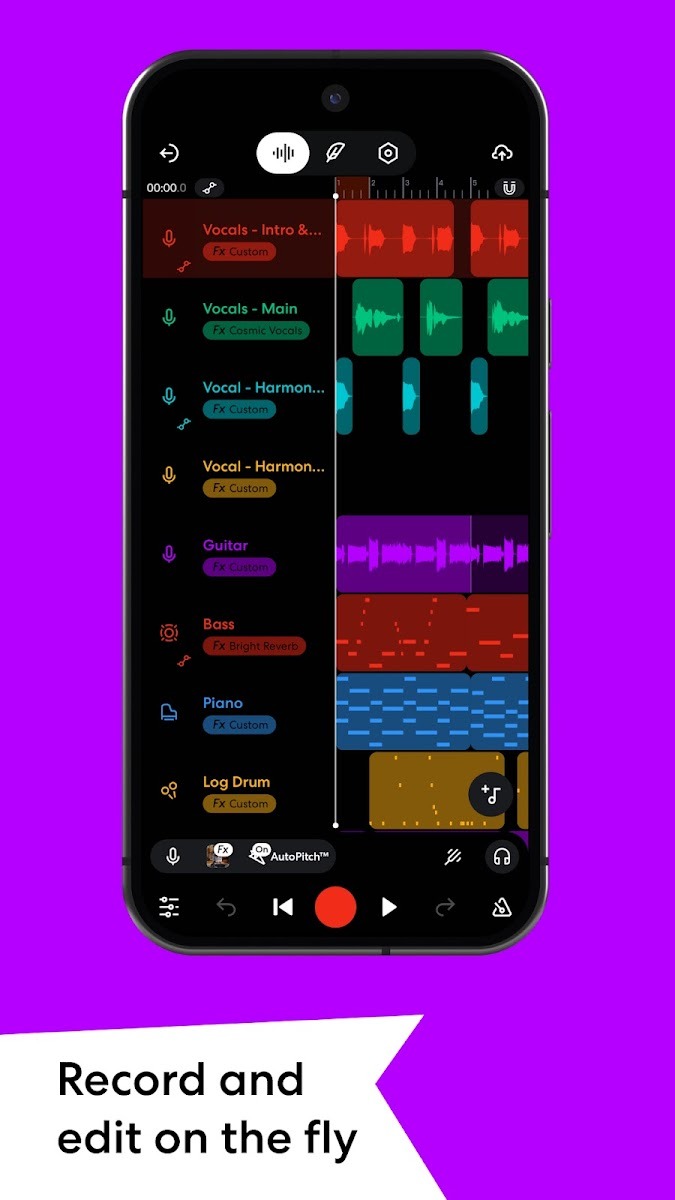
Start with the sound that tells you where the first line should come in. If you already have an instrumental on your phone, import it as an audio track and put it at the start of the timeline. Add a Voice/Audio track underneath for the microphone. The beat and the performance now occupy separate lanes, so lowering the instrumental during playback leaves the level of the vocal recording alone.
Record a short pass before singing through the whole arrangement. Play it back with the beat and listen to where the first consonant lands. If you started singing too early, compare the recorded waveform with the beat before moving anything. A quiet lead-in can be trimmed at the edge of the vocal region. Keep enough of that lead-in to avoid cutting the breath that shapes the first word.
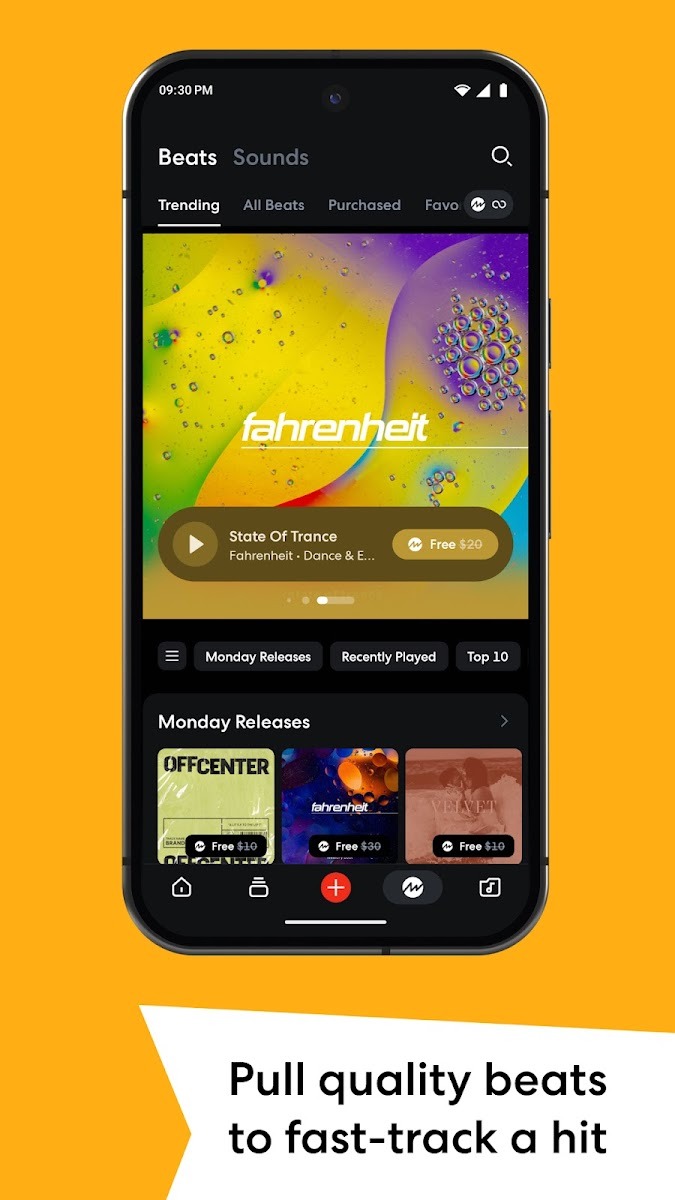
Loop as a sketch: Audition a rhythm or melodic phrase from BandLab Sounds if you need a backing part. Use a short loop to find the cadence of the lyric before filling the timeline. Once the phrasing sits on the beat, decide where the loop should drop away. Leaving a bar with less backing can make it easier to hear the words that introduce the chorus.
Drum pattern: Add a Drum Machine track when you want to decide where individual drum hits fall. Lay down the kick and snare first, then add hi-hats where the vocal has room. On a second listen, leave out a few hits beneath a busy line. You can compare that pattern against the original idea without changing the lead take.
Chorus layers: Record a second pass on a fresh track when you want to double a phrase. Keep the new take below the lead while balancing the two. If the words become hard to make out, mute the double during the verse and save it for the chorus. That gives the chorus a different texture with the same instrumental underneath.
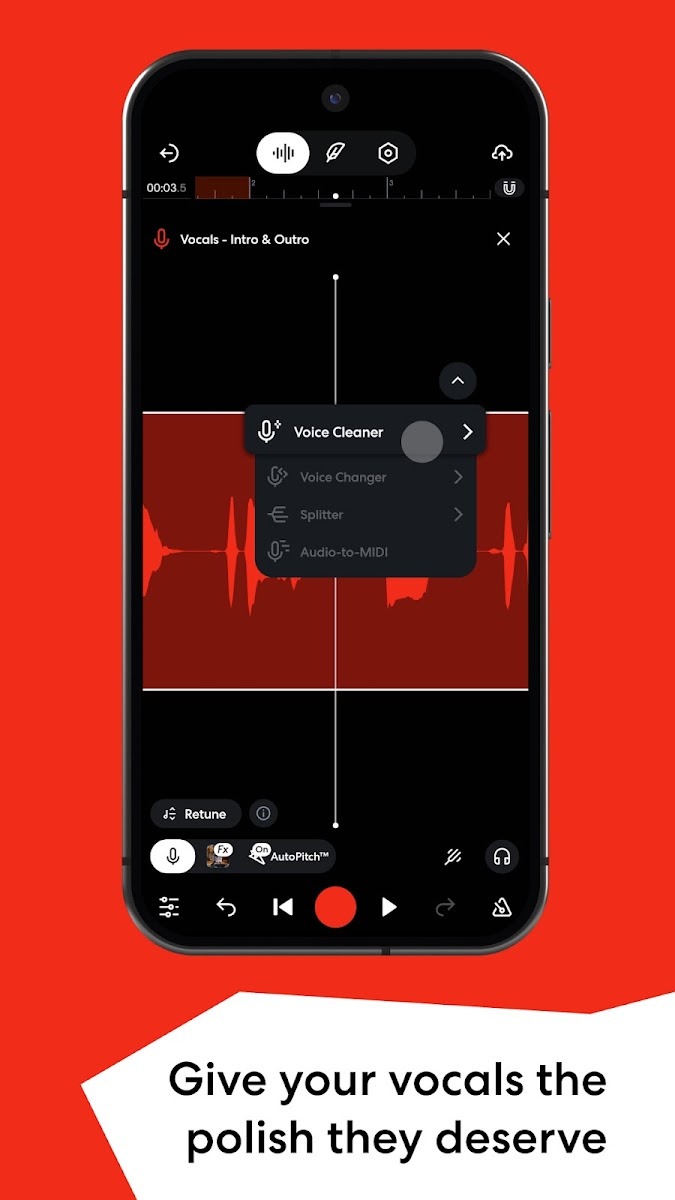
Key and scale: Open AutoPitch on the Voice/Audio track and choose a key that fits the backing. If a held note feels wrong only after you enable tuning, check the key against the instrumental before adjusting the amount. Listen to the last word of a line as well as its first note. A note that slides into the next chord is a better test than a phrase that stays on one pitch.
Correction level: Try a modest setting and compare the same line with the effect bypassed. Increase the amount if you want the sharper steps of a tuned vocal. If the line depends on a small bend or a loose slide, ease back the control until you can hear that gesture in the mix again.
Can you bring in a performance saved as MIDI?
Studio can import MIDI into a project. MIDI keeps the note performance separate from the sound, so you can try another virtual instrument with the same part. A rendered instrumental arrives as audio and has its instruments baked into the clip.
Do you need to hear your own microphone while recording?
You can switch monitoring off if the return in your headphones distracts you. The Voice/Audio track can still record with monitoring disabled.
Can you use AutoPitch after you have recorded the vocal?
Open the existing vocal track in Studio and audition AutoPitch on the take. This is useful when you want to compare several settings against the same performance.
Does installing BandLab 11.22.0 change which AutoPitch effects you can use?
The release number identifies the Android app. Access to membership effects still depends on your BandLab account. Start with the tuning controls available on your vocal track and check the effect selector before you plan a part around a particular preset.
BandLab is a good fit when a beat and a vocal idea need to become a rough arrangement on the same phone. Start with one clean take and a backing track, then use the drum lane or a doubled chorus to give the next section a different feel. Leave AutoPitch for the mix if you want to judge the raw phrasing first.


Look2 Movies
Media & Video | 401MB 2025-03-07
You Tube Premium
Media & Video | 139MB 2025-03-19
Bolly4u
Media & Video | 2.6MB 2026-03-17
Jerkflix
Media & Video | 29.4MB 2026-03-17
Lk21
Media & Video | 2.0MB 2026-03-16
Star Sports Live
Media & Video | 12.5MB 2026-03-16
Play Desi TV
Media & Video | 899.4KB 2026-03-17
NetFilm
Media & Video | 28.50MB 2025-04-03
AhaTok Downloader
Media & Video | 43MB 2025-04-16
Pandora
Media & Video | 62MB 2025-03-14